
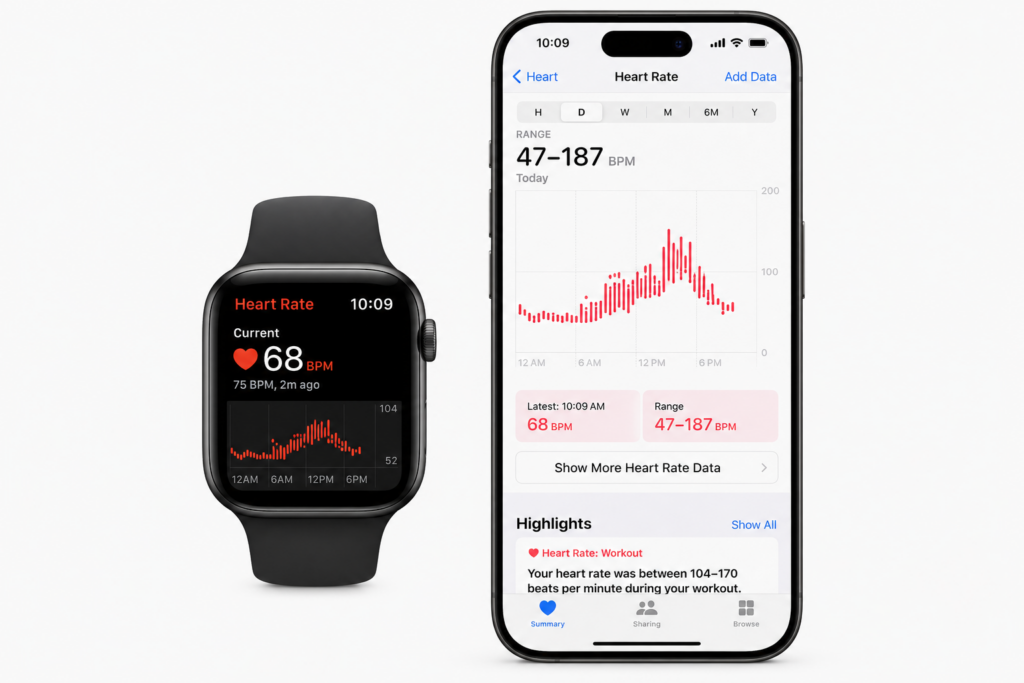
Wearable devices have moved from fitness accessories to essential everyday technology. With over 100 million Apple Watches active globally and a rapidly growing Wear OS ecosystem, wearable apps are no longer niche. Instead, they are a meaningful extension of any serious mobile product strategy.
For health, fitness, enterprise, and consumer products alike, a well-built wearable companion app delivers value at moments when reaching for a phone is impractical. The wrist is always present and always glanceable. Moreover, it is increasingly capable of capturing physiological data that smartphones simply cannot.
What Is Wearable App Development?
Wearable app development is the process of building applications that run on smartwatch and other wearable devices — primarily Apple Watch (watchOS) and Google’s Wear OS platform. These apps typically operate as companions to a primary iPhone or Android app. As a result, they extend key functionality to the wrist in a form factor designed for glanceability and quick interaction rather than extended use.
Apple Watch vs Wear OS: Which Platform Should You Build For?
- Apple Watch — build first if your audience is iPhone users. watchOS is the most mature wearable platform with the deepest health sensor integration.
- Wear OS — the Android wearable platform, significantly improved since Google’s 2021 Wear OS relaunch with Samsung.
- Both — for products targeting the broadest audience, cross-platform wearable development reduces duplication through shared logic layers.
What Wearable Apps Do Best
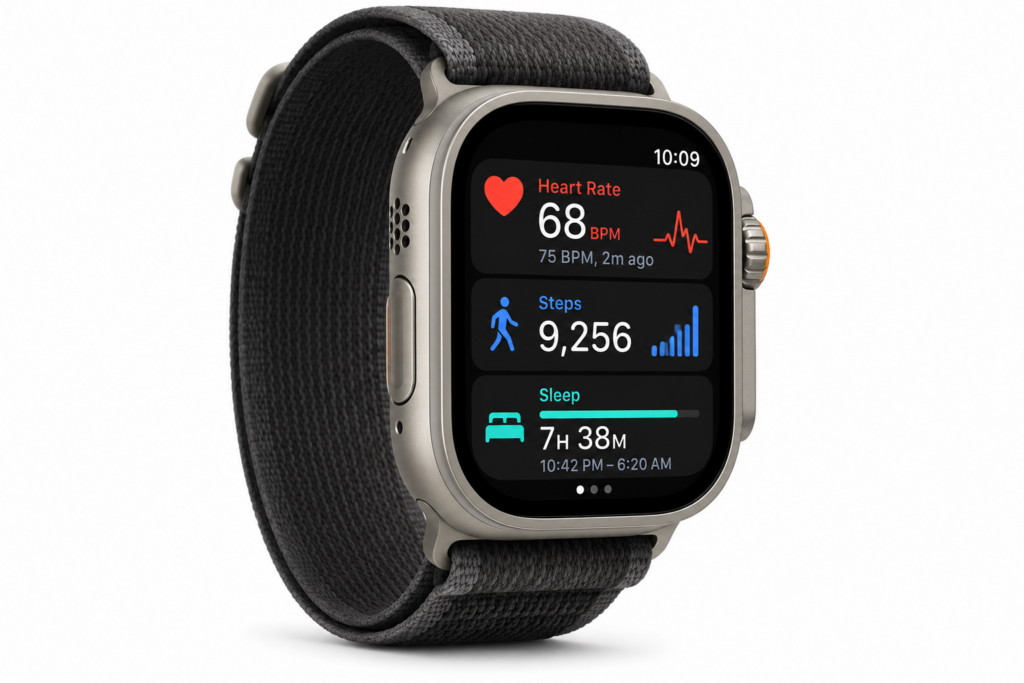
The best wearable apps are not shrunken versions of phone apps — they are purpose-built for the constraints and unique capabilities of the wrist. Glanceable dashboards, quick-action complications, haptic feedback notifications, health sensor data (heart rate, SpO2, ECG, activity rings), and hands-free voice interactions are where wearable apps genuinely outperform their phone counterparts.
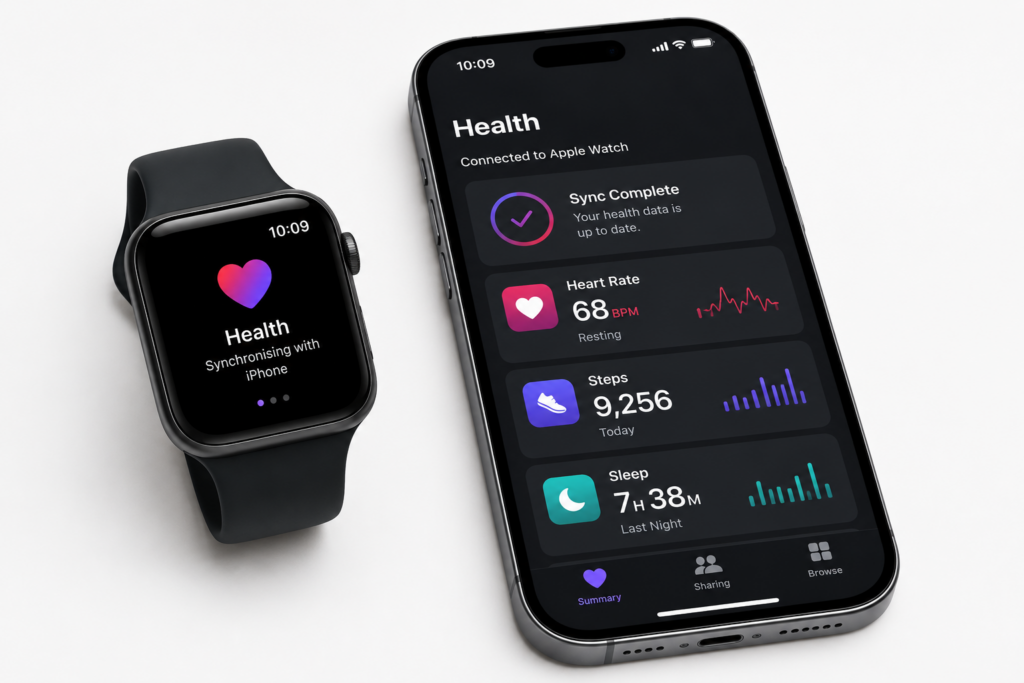
⌚ EXTEND YOUR APP TO THE WRIST
Stakk builds Apple Watch and Wear OS companions that add real value to your mobile product. Get a free consultation on your wearable development strategy.
Frequently Asked Questions
Everything businesses need to know about wearable app development for Apple Watch and Wear OS.
What is wearable app development?
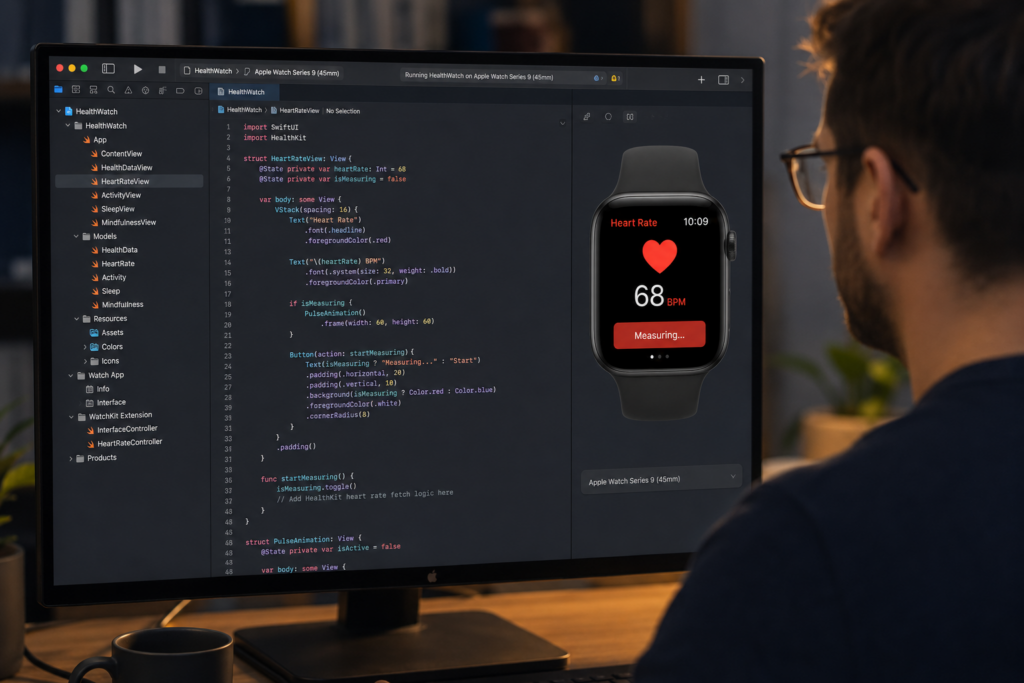
Wearable app development is the process of building software applications for smartwatches and other body-worn devices, most commonly Apple Watch (running watchOS) and Wear OS devices including Samsung Galaxy Watch. Wearable apps are typically companion applications to a primary smartphone app, extending key functionality to a glanceable, always-available wrist interface. They access unique hardware including heart rate sensors, accelerometers, GPS, SpO2 sensors, ECG (on supported devices), and skin temperature sensors.
How much does Apple Watch app development cost?
Apple Watch app development typically costs between £15,000 and £60,000 as an addition to an existing iOS app project, depending on the complexity of the watch app, the number of features, the depth of HealthKit integration, and the design requirements. A simple notification and glanceable dashboard companion takes 4 to 6 weeks of development effort. A sophisticated health monitoring or workout tracking app with custom complications, background health data collection, and independent watch app capability takes 10 to 16 weeks.
What is watchOS and how does it differ from iOS?
watchOS is Apple’s operating system for Apple Watch, optimised for a tiny screen, extremely short interaction times (typically under 5 seconds per interaction), and always-on display requirements. Development uses WatchKit and SwiftUI for watchOS, which share concepts with iOS development but have fundamentally different constraints — no keyboard, gesture-first interaction, complications for the watch face, and shared data between the watch and iPhone via Watch Connectivity framework. watchOS apps run both on the watch and can connect to a paired iPhone app.
What health data can wearable apps access?
Apple Watch apps can access an extensive range of health and fitness data through Apple’s HealthKit framework, including heart rate, resting heart rate, heart rate variability, blood oxygen saturation (SpO2), ECG data, step count, active and resting energy, workout data, sleep analysis, respiratory rate, blood glucose (from connected monitors), skin temperature, and crash and fall detection events. Wear OS apps access similar data through Google Health Connect, which aggregates data from multiple wearable and health data sources.
What are Apple Watch complications and why do they matter?
Apple Watch complications are small, customisable data displays that users can add to their watch face to see key information at a glance without opening an app. For health, fitness, productivity, and utility apps, a well-designed complication that shows current data — today’s step count, next appointment, current glucose reading, or active tasks — significantly increases daily engagement with your app. Complications are one of the highest-value features a wearable app can provide in terms of ongoing user retention.
Can a wearable app work independently without a phone?
Apple Watch Series 3 and later models with GPS and cellular connectivity can run apps independently without a paired iPhone, provided the app is designed for independent operation. Independent watch apps can use Wi-Fi and cellular for network requests directly from the watch without phone involvement. However, most wearable apps are companion apps that enhance a phone app experience rather than fully independent products, as the watch’s processing and storage limitations make complex standalone applications impractical.
What is Wear OS and how does it compare to watchOS?
HealthKit is Apple’s health data platform that acts as a centralised repository for health and fitness data on iOS and watchOS. Apps request specific data types from HealthKit with user permission, read historical data, write new measurements, and subscribe to real-time updates from sensors. HealthKit data is encrypted and stored on-device, with users in full control of which apps can access which data types. For healthcare applications, HealthKit data access combined with ClinicalKit allows integration with NHS and hospital FHIR health records.
What industries benefit most from wearable app development?
The industries benefiting most from wearable app development are healthcare and remote patient monitoring, where continuous sensor data from wearables enables earlier clinical intervention; fitness and sports performance, where real-time coaching and biometric feedback improve training outcomes; enterprise field service and logistics, where hands-free workflows and push notifications improve worker efficiency and safety; and consumer lifestyle, where habit tracking, mindfulness, and personal productivity apps benefit from the always-present wrist interface.
Does Stakk build both Apple Watch and Wear OS apps?
Yes, Stakk builds companion apps for both Apple Watch (watchOS using Swift and SwiftUI) and Wear OS (Kotlin with Jetpack Compose for Wear). For clients targeting both ecosystems, we design shared data architecture and shared business logic between the two platforms to maximise code efficiency, while building platform-appropriate UIs for each wearable’s distinct design language and interaction model. We recommend starting with Apple Watch for most UK consumer products given Apple Watch’s dominant UK market share.
| ⌚ WEARABLE DEVELOPMENT DONE RIGHT From health sensor integration to glanceable dashboards — Stakk’s wearable team delivers apps your users will wear every day. Free strategy session available. |
About the Author
| Jack Tyson | Director, Stakk Jack Tyson is the Director of Stakk and has spent 12 years building mobile applications for start-ups, scale-ups, and global brands. With hands-on experience across iOS, Android, and cross-platform development, Jack brings both technical expertise and commercial insight to every project. 🔗 Connect with Jack Tyson: LinkedIn URL |
Blog Post 125 | Primary Keyword: wearable app development | Stakk Content Strategy | Published: June 2026
Estimated reading time: 7 minutes